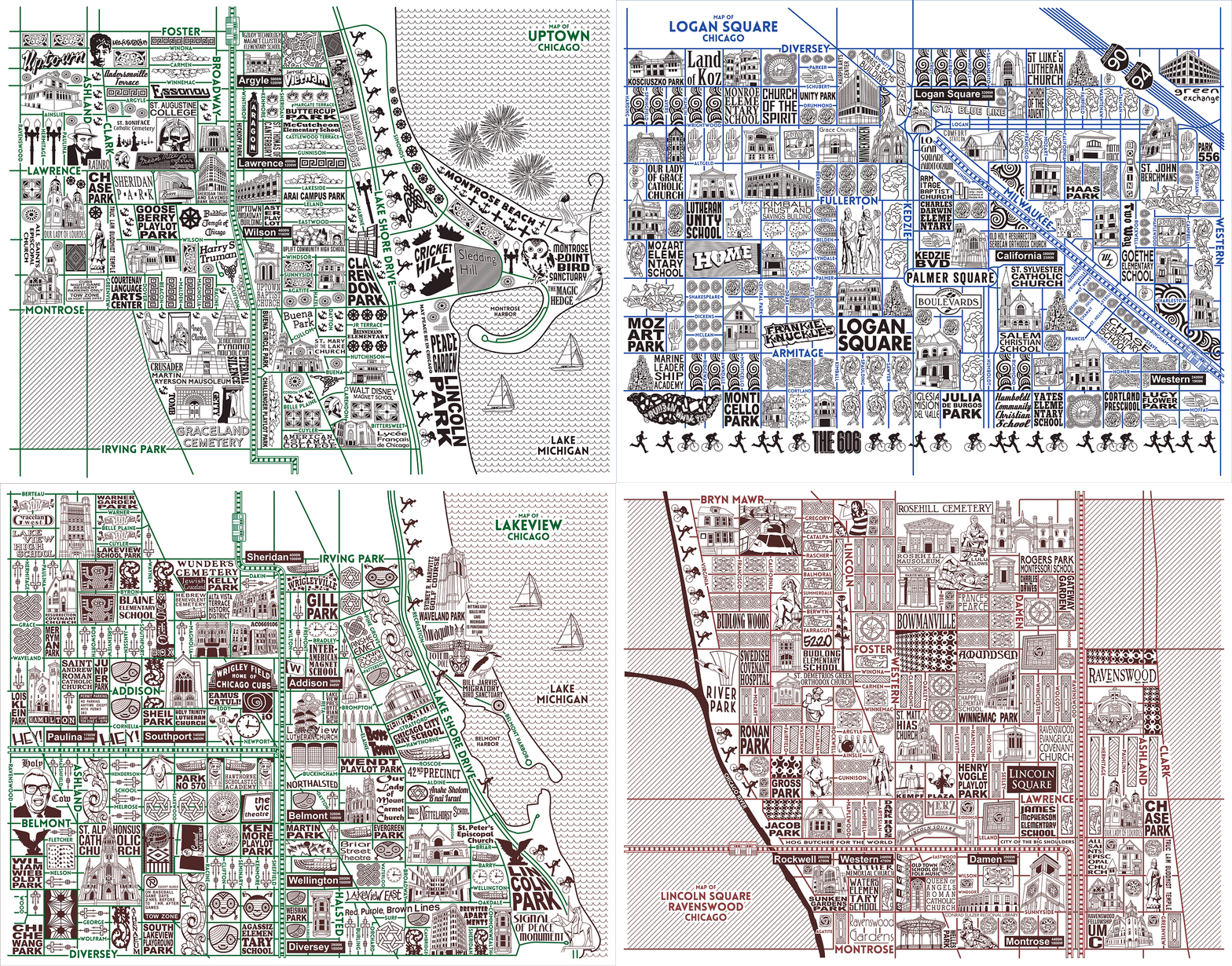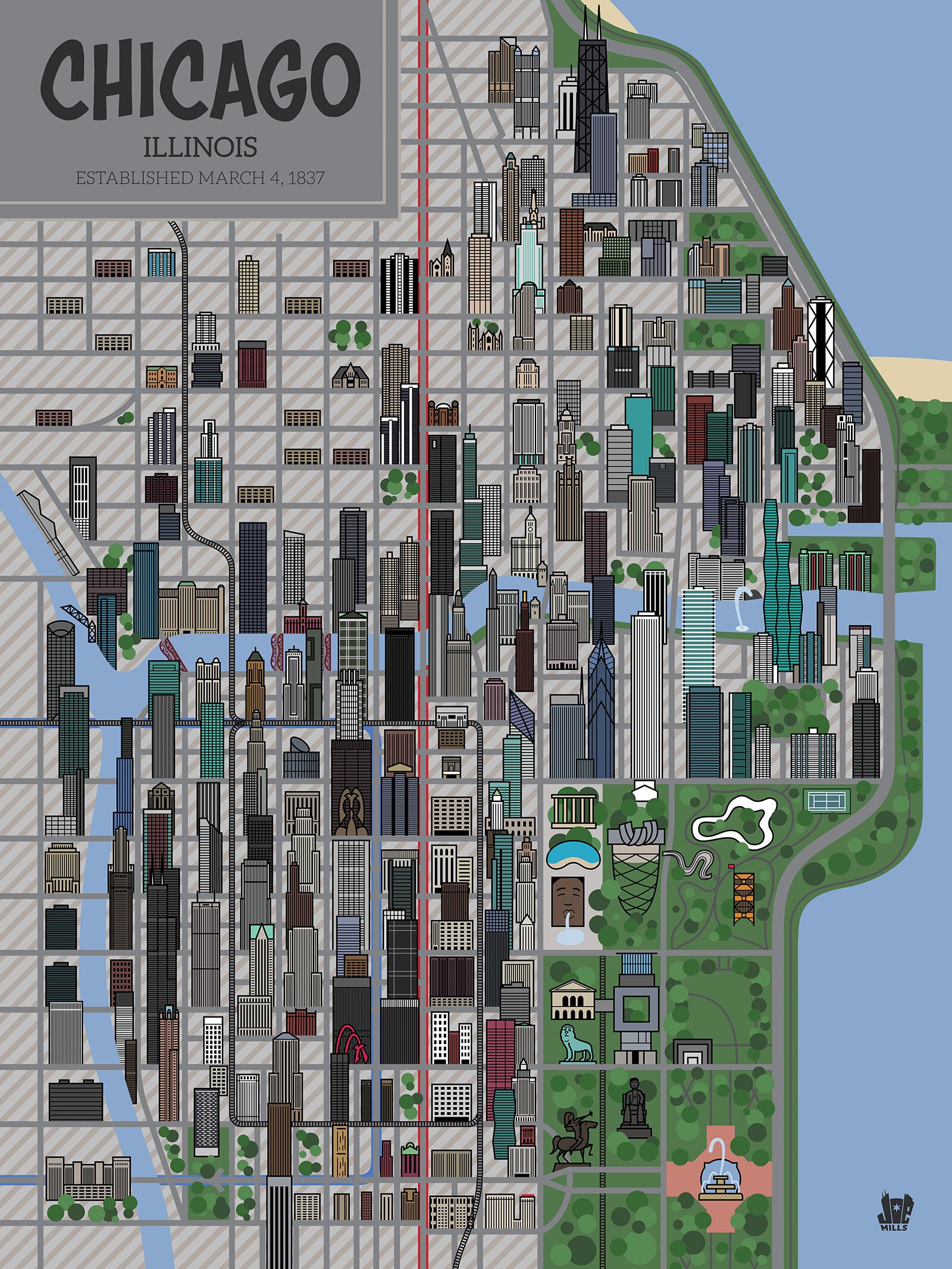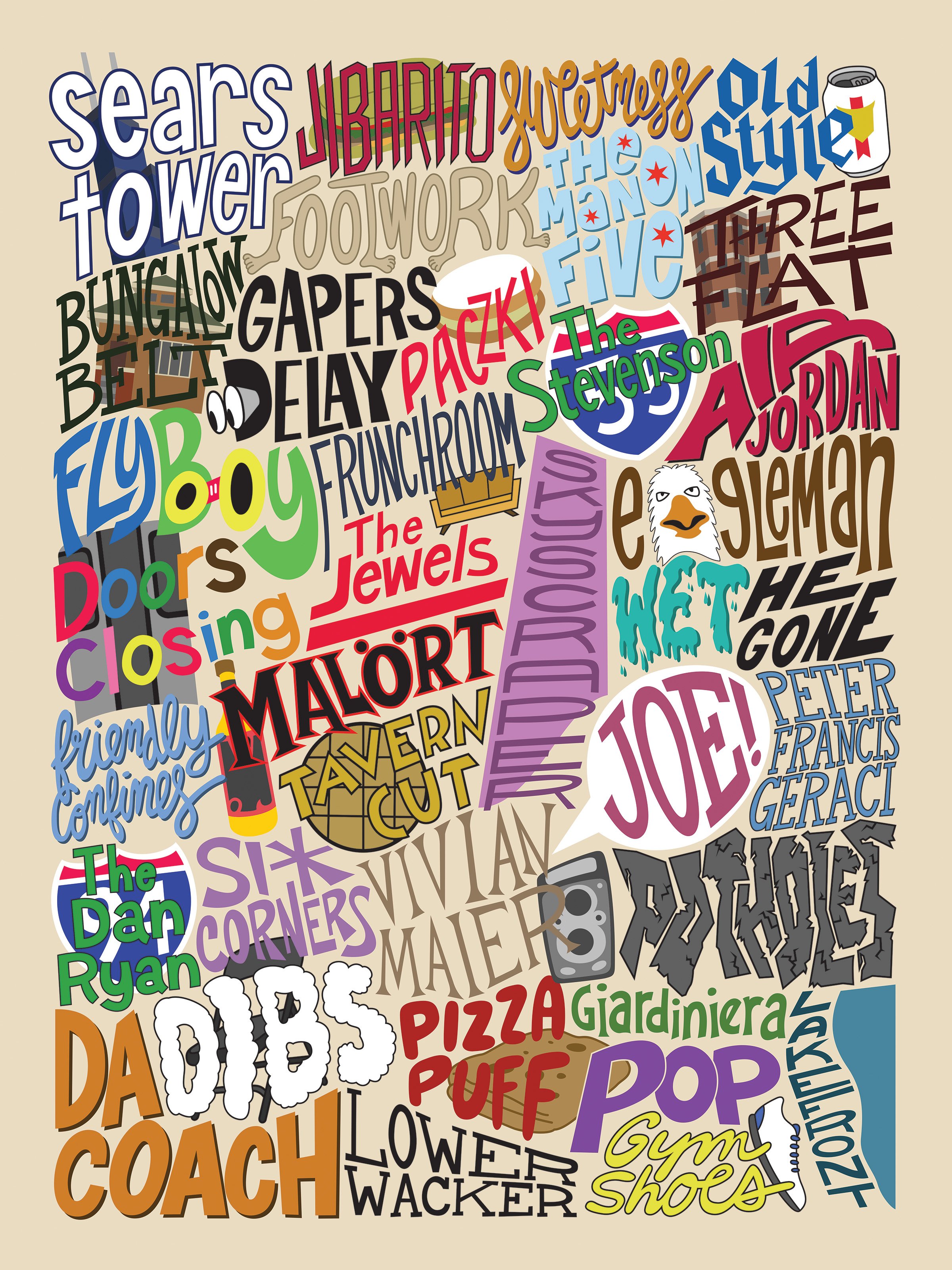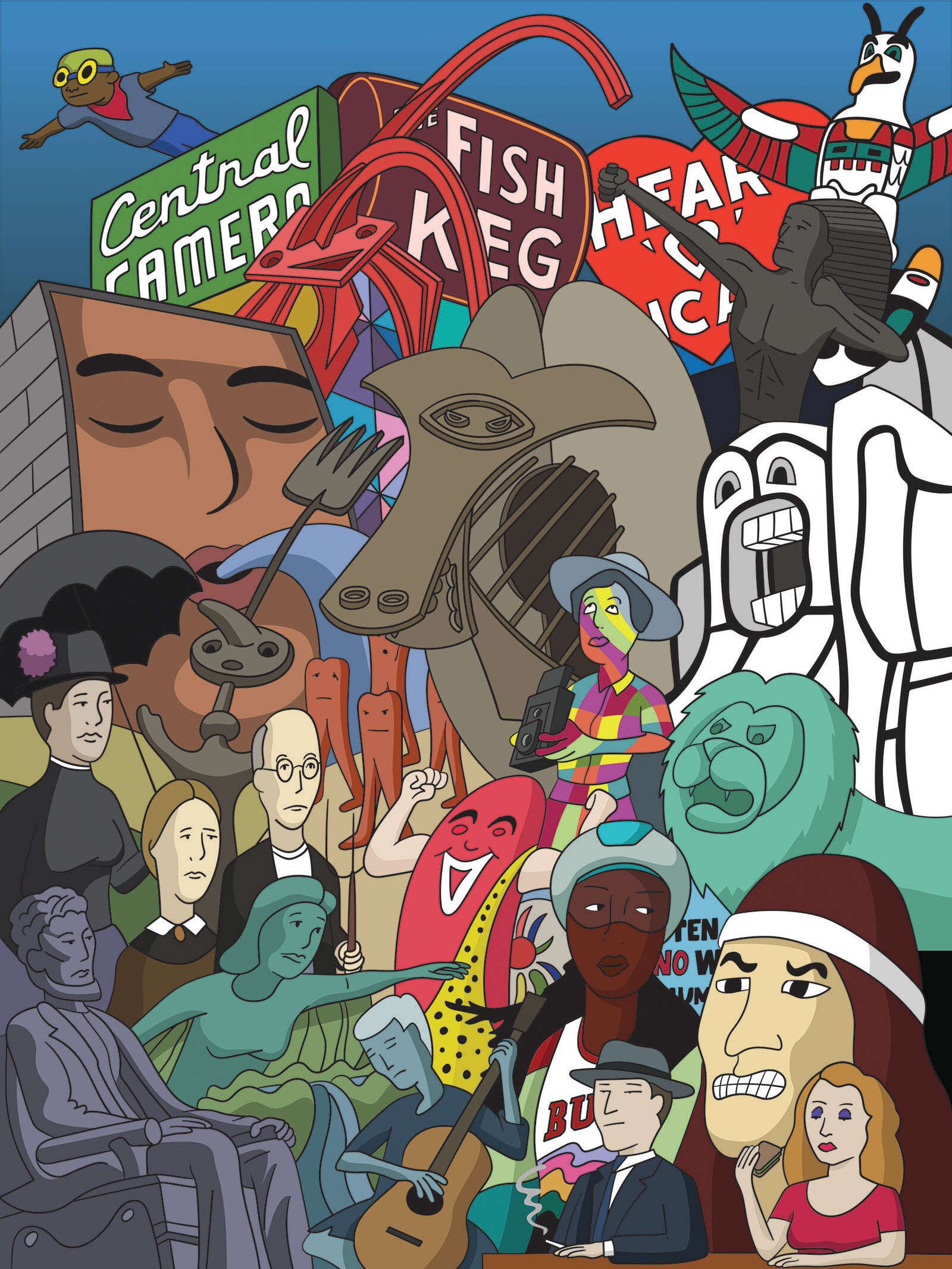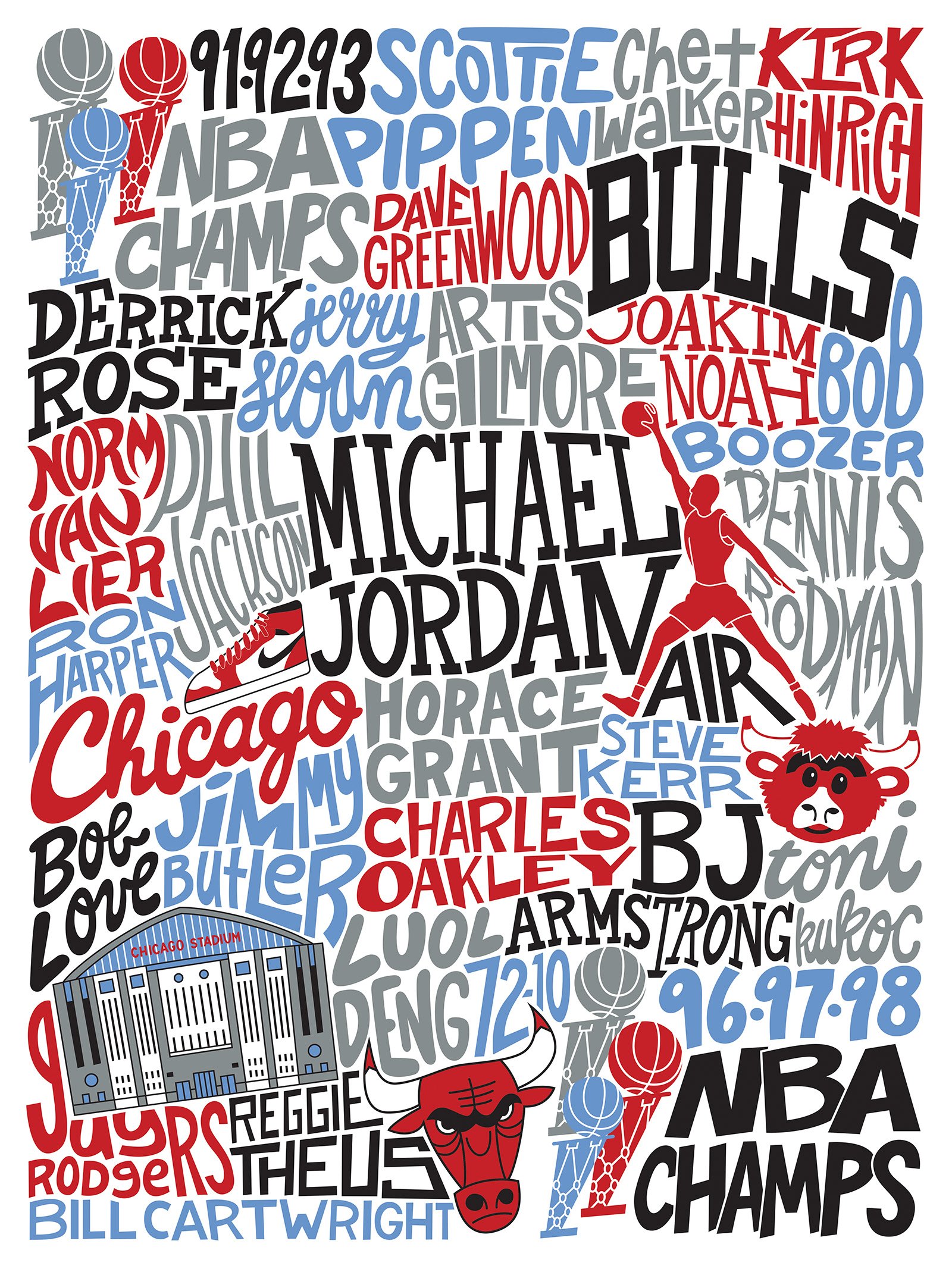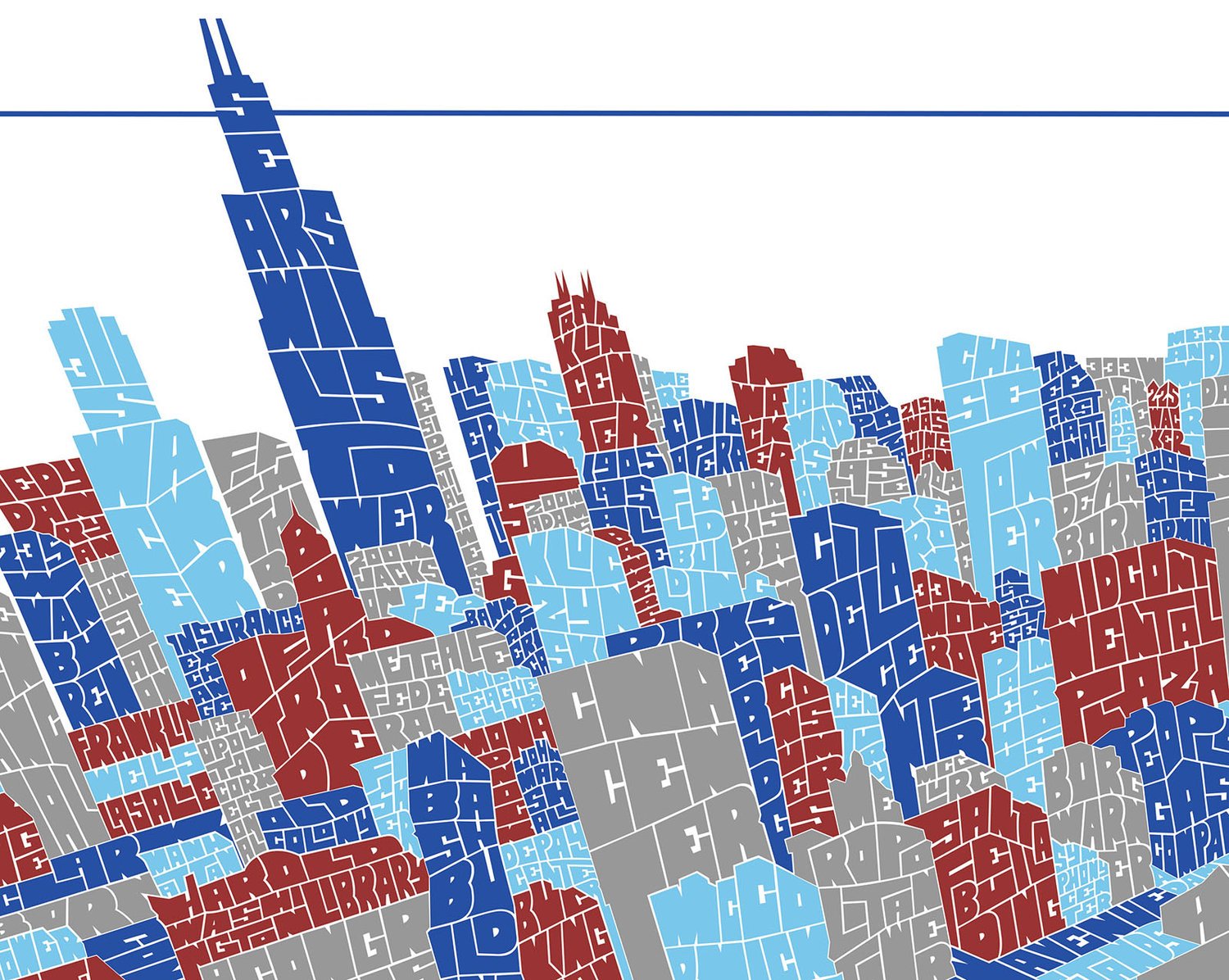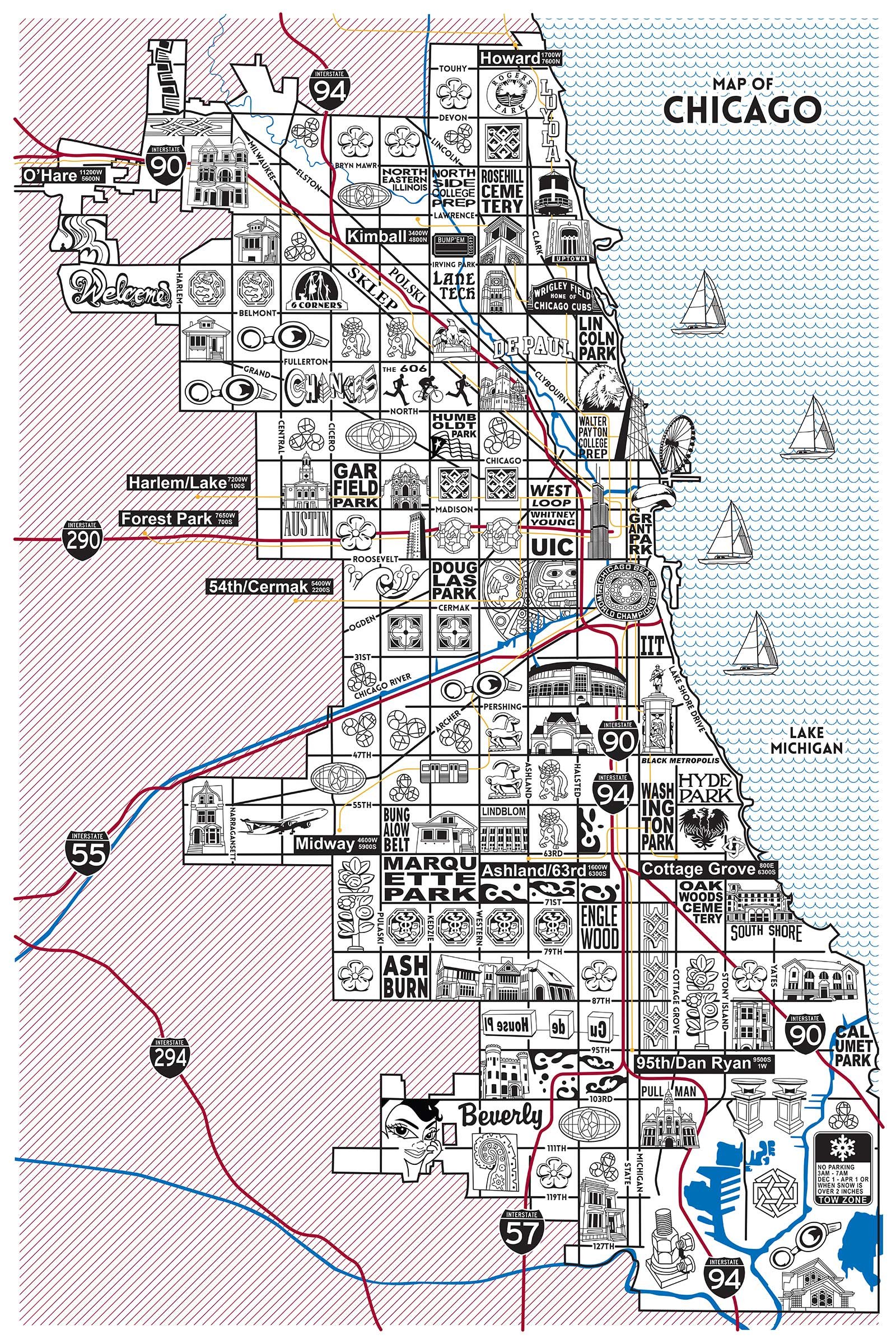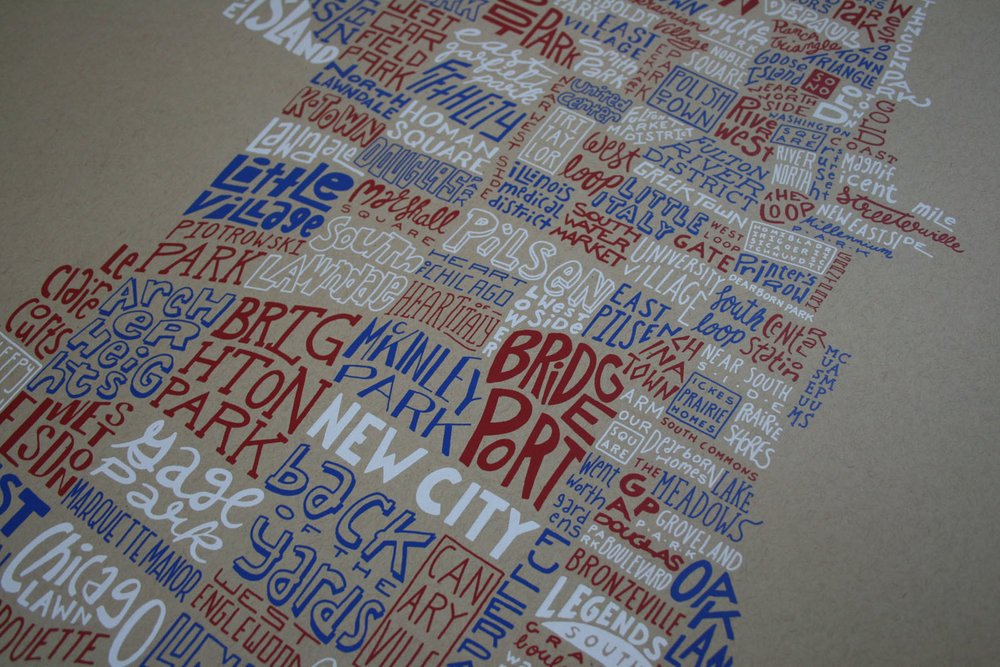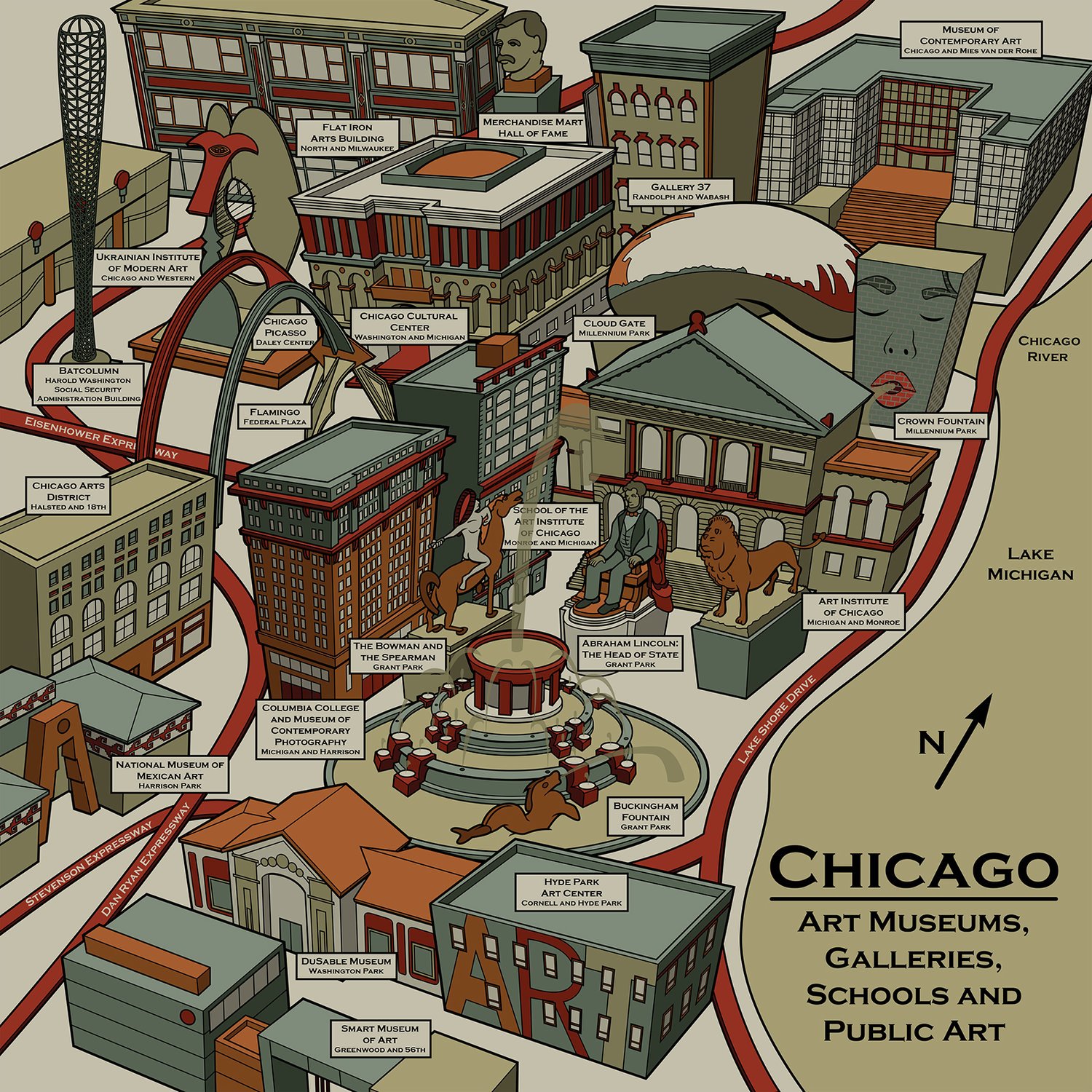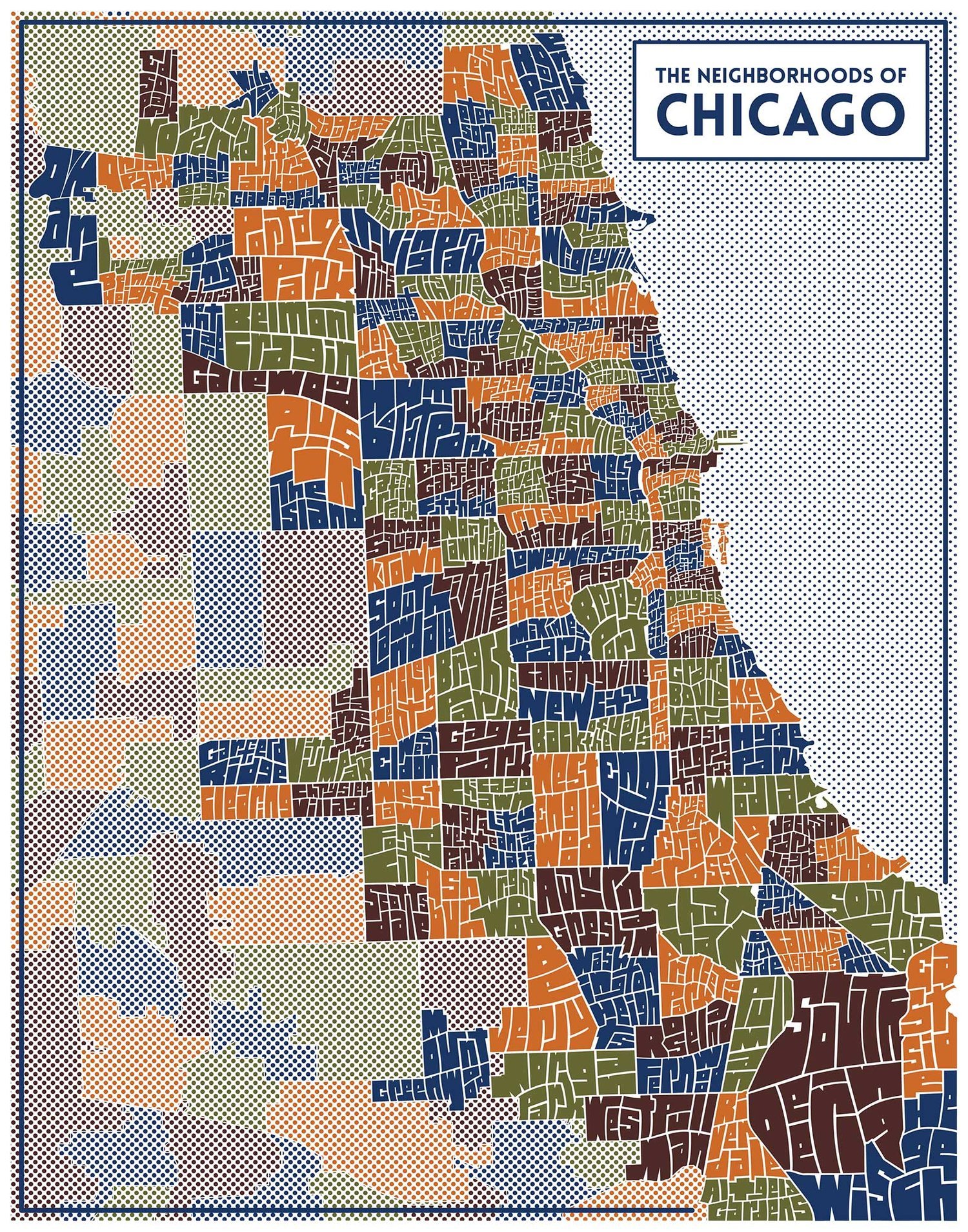
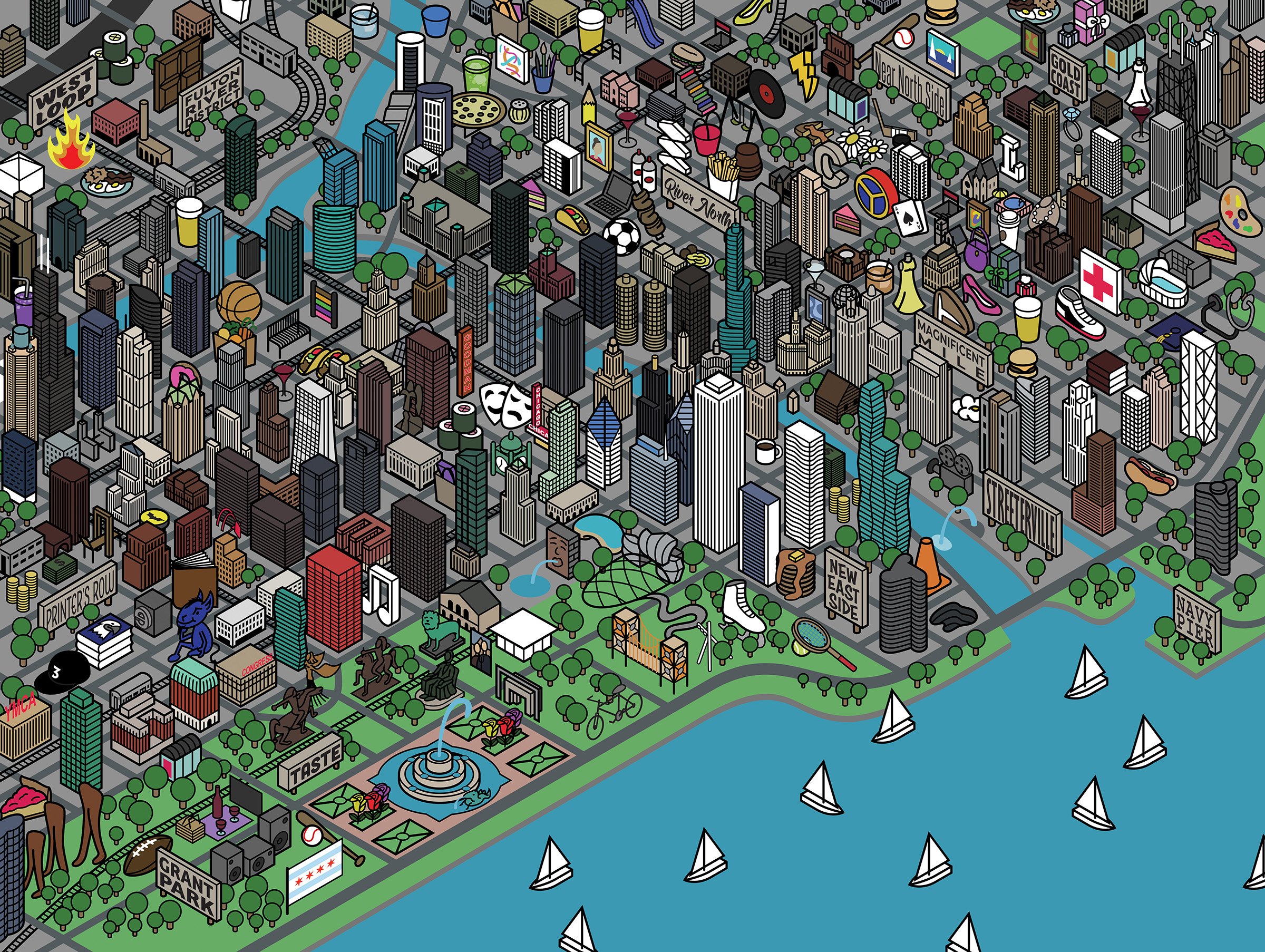
Before jumping to my finished work, I just wanted to mention an update on a work I finished a couple months. I changed the colors to the Chicago Communities Map. By default, I tend to use blue a lot…I find it to be easy on the eyes. It can also seem rather boring which is what I found with this illustration. I think the new colors are much more interesting. In reality, I created it with the idea it could be screen printed using different colors and different paper, but I felt it was important to have the online image look strong.
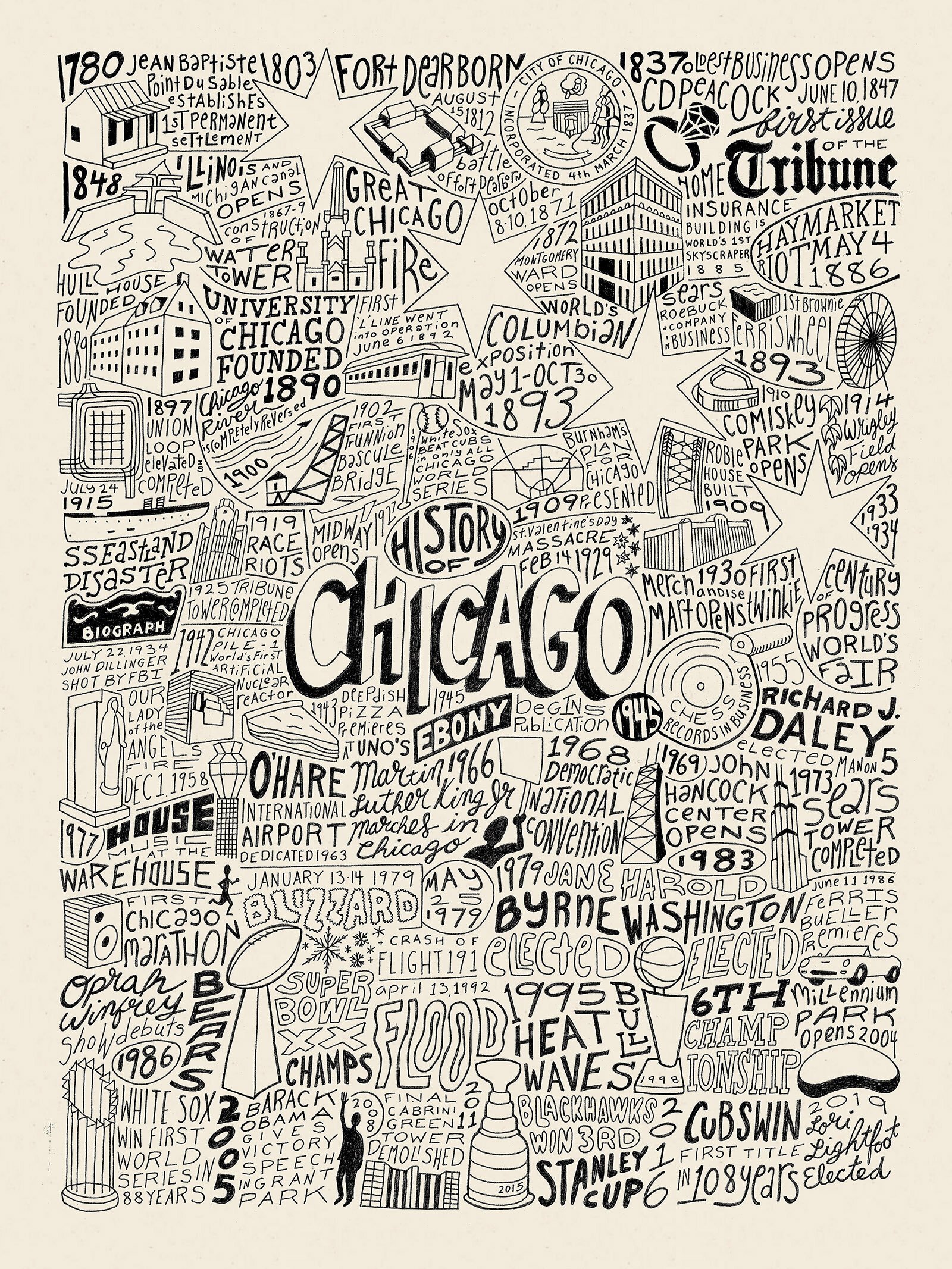
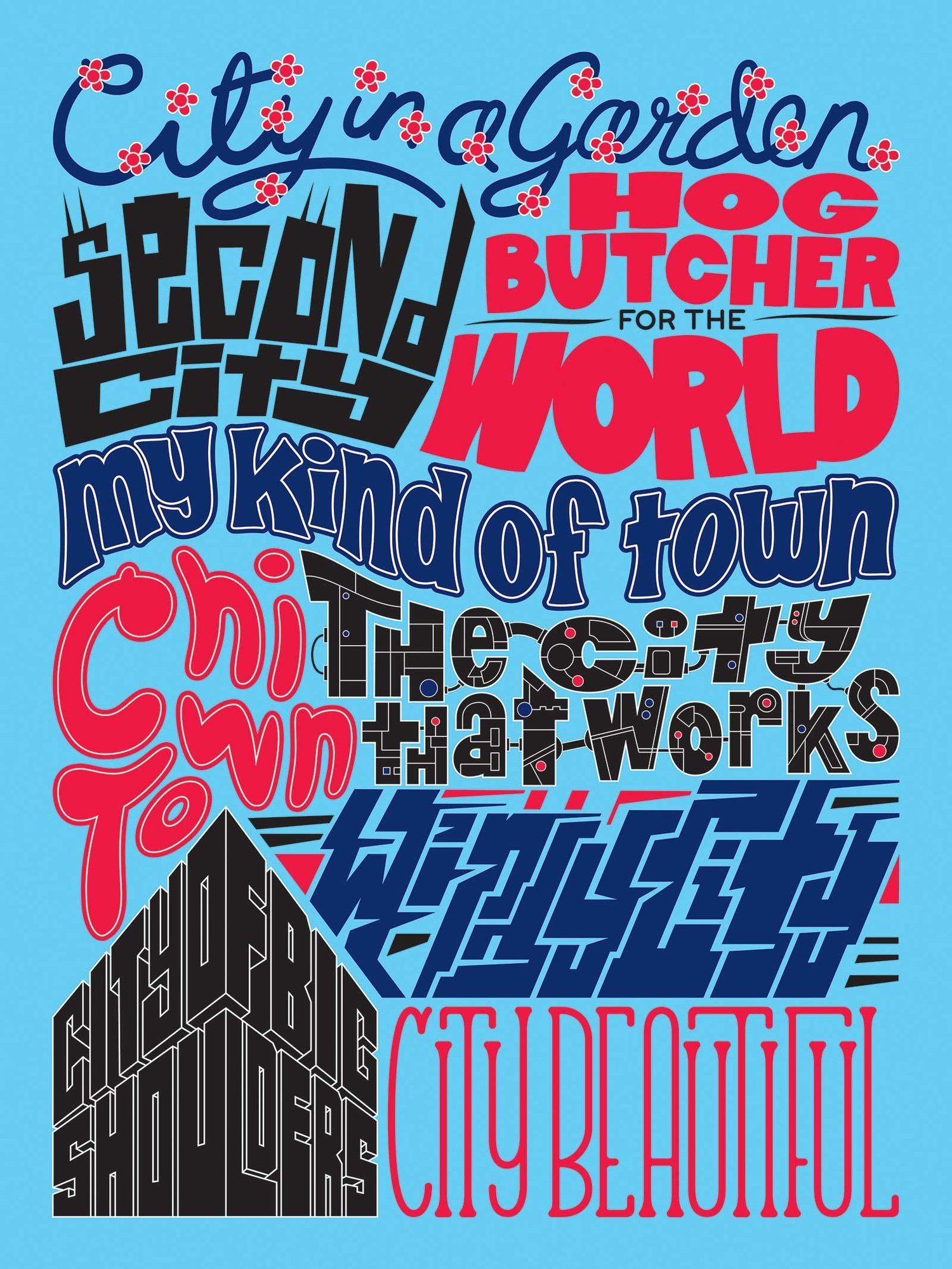
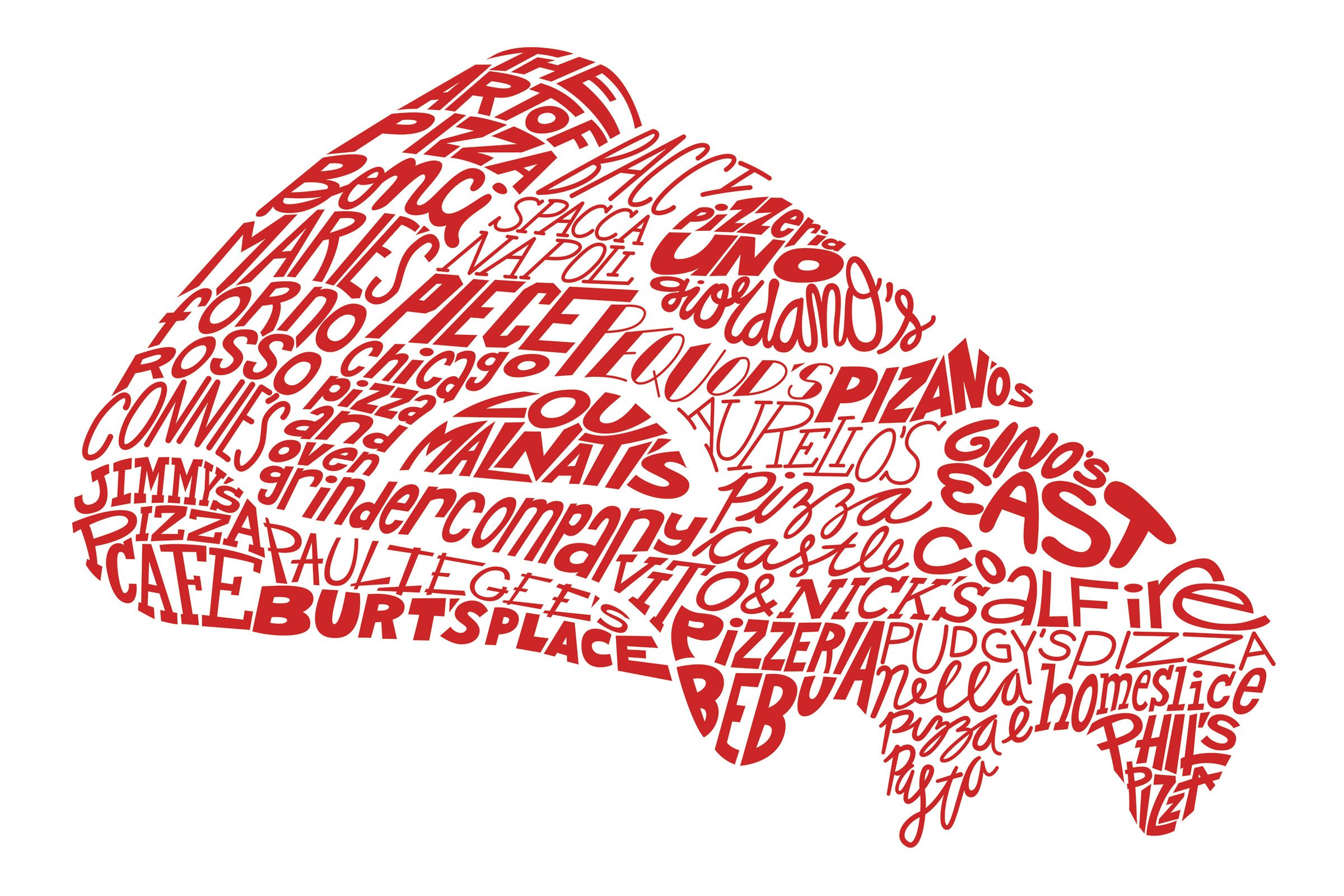
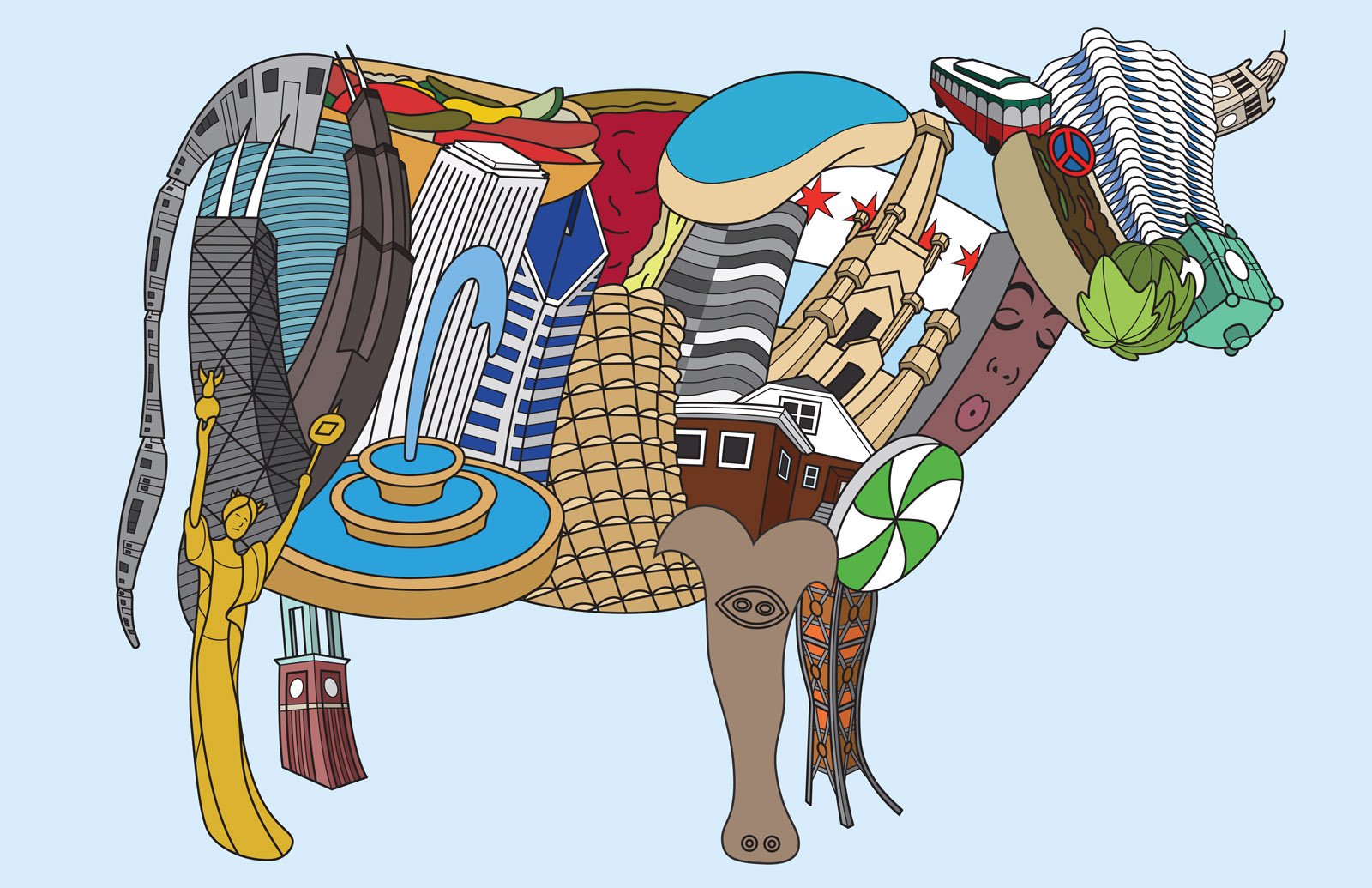
New business…I have just finished a set of 3 Chicago posters. These posters are intended to be seen as a set with similar styling. Right now, I envision expanding on this set as I come up with new ideas, but I am considering it finished as of now. I discussed this artwork some in a previous post, so I will only use this space to show the finished work and any updates I have made. To see larger images of this work, click here.

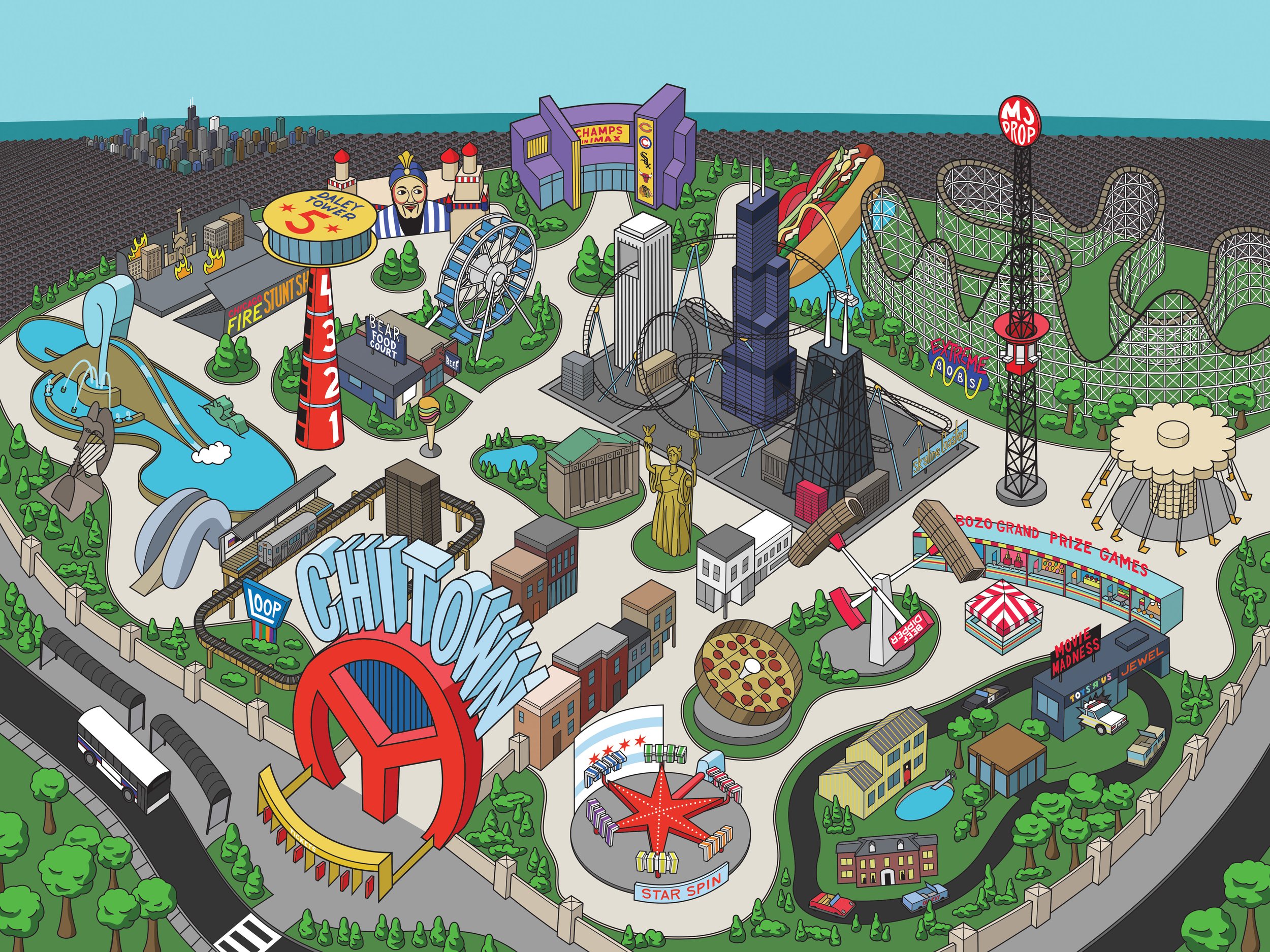
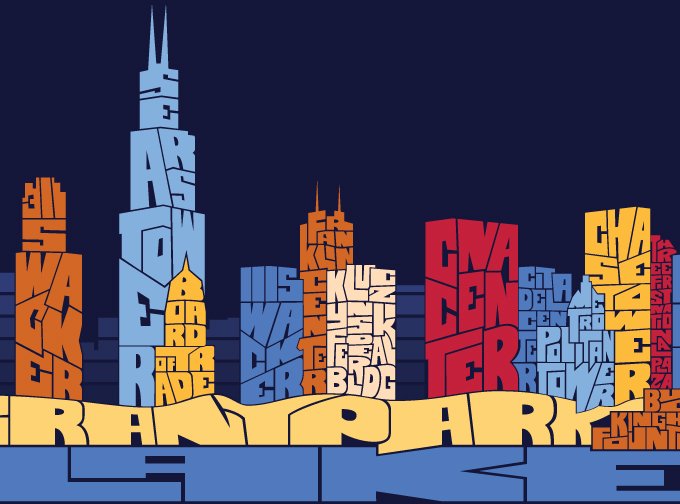
With Blocks, the major change was taking out the Bean and Millennium Park fountain. While I liked the difference in scale of these items in the foreground, they took attention away from the buildings. And since they are supposed to be children’s blocks, it made more sense to keep in the buildings because the blocks are being stacked. I also made some slight adjustments to the color.

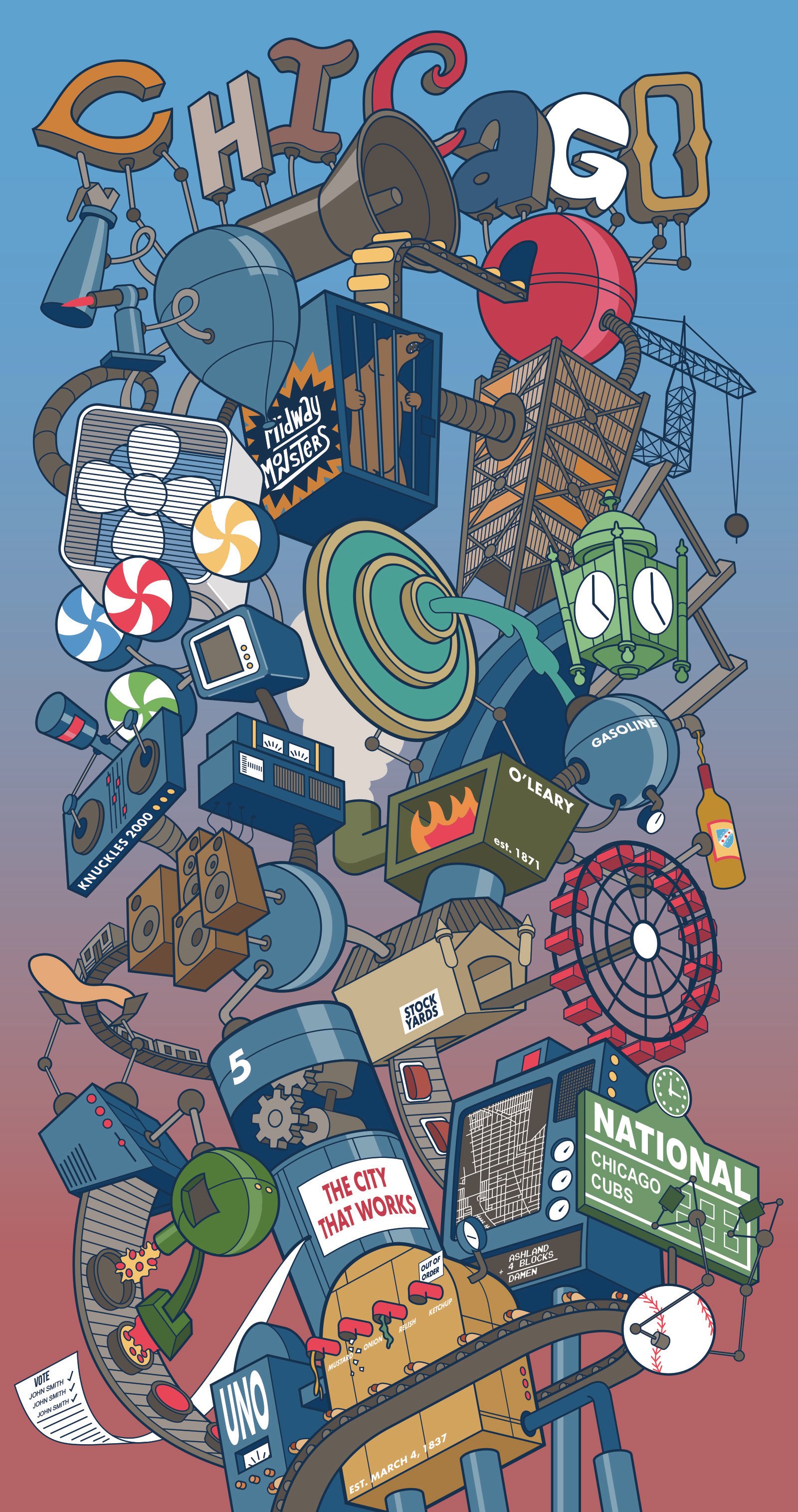
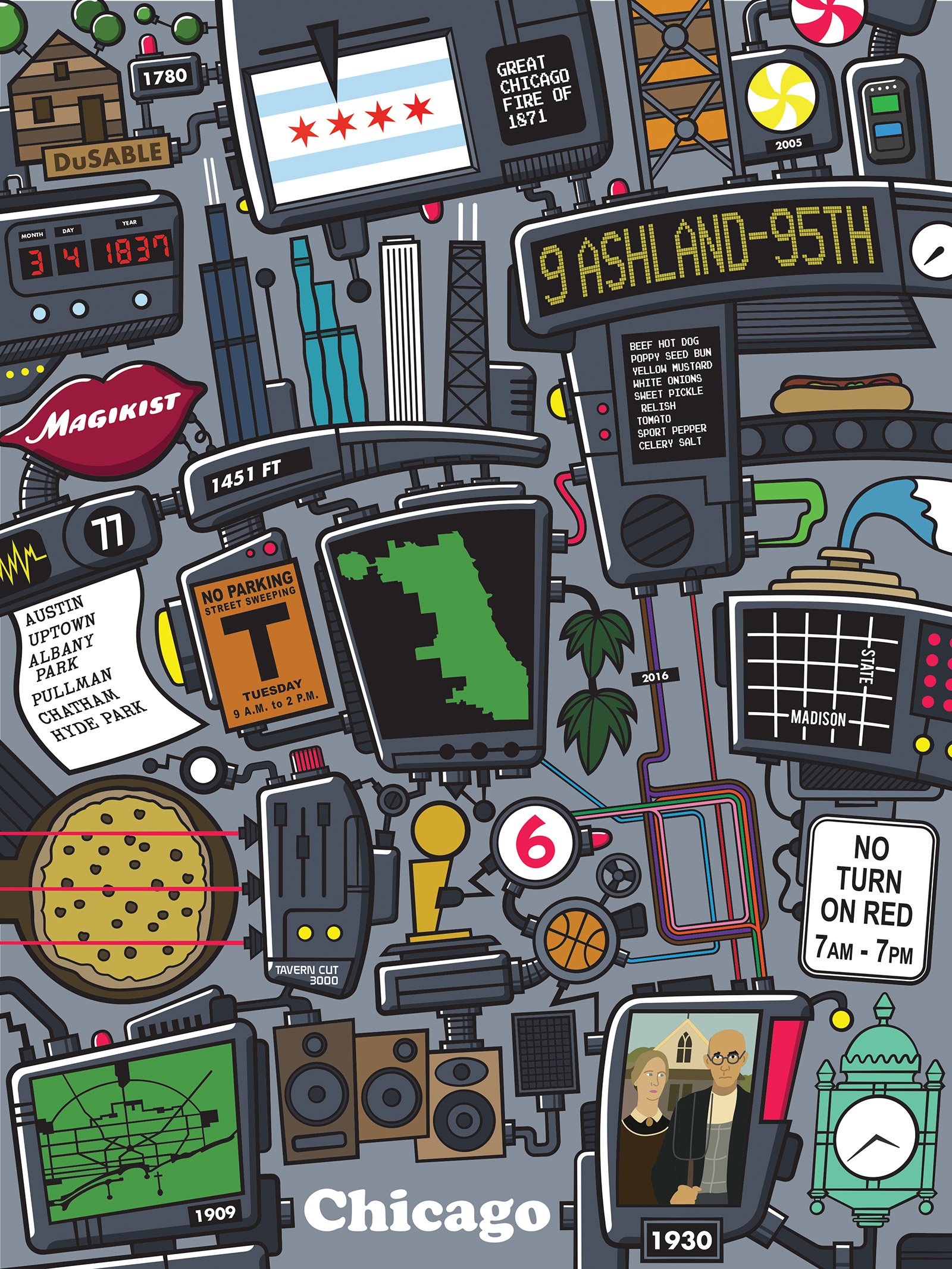
I figured deciding on a color scheme for The City That Works would not take me a long time…it did. Originally, I had the machines outlined in white and filled with a dark blue. The background was a lighter blue. After playing and playing and playing with a color scheme that kept the outlines in white, I eventually decided to bag it and make the outlines disappear into the background. It was the right move. I wanted to stick with the white outline because of the other two illustrations, but I believe this looks better and I have not lost any continuity between the pieces.

The piece I just finished is called Chicago Math. Chicago is set on a grid system and in order to get around the city, it helps tremendously to know how the grid works. Even if I didn’t exactly know where I was going, I could use my knowledge of the grid to help me out. Honestly, I’m not sure if other Chicagoans use this method, but I don’t know how you would get around the city without it. I wanted this to be the theme of the final illustration in this series. I went through many ideas using this idea that centered around the output on the receipt in the current illustration. In other words, it would be heavy on typography. All of these ideas, though, were just too simple. Since the main imagery I am working with now is machines and factories, I came up with this idea of a super computer that generates these mathematical equations based on the Chicago grid. This is my most cerebral illustration of the bunch, so I hope it does not get a lot of blank stares. In terms of color, I toyed with the notion of making this illustration multiple colors, but preferred this monochromatic look.
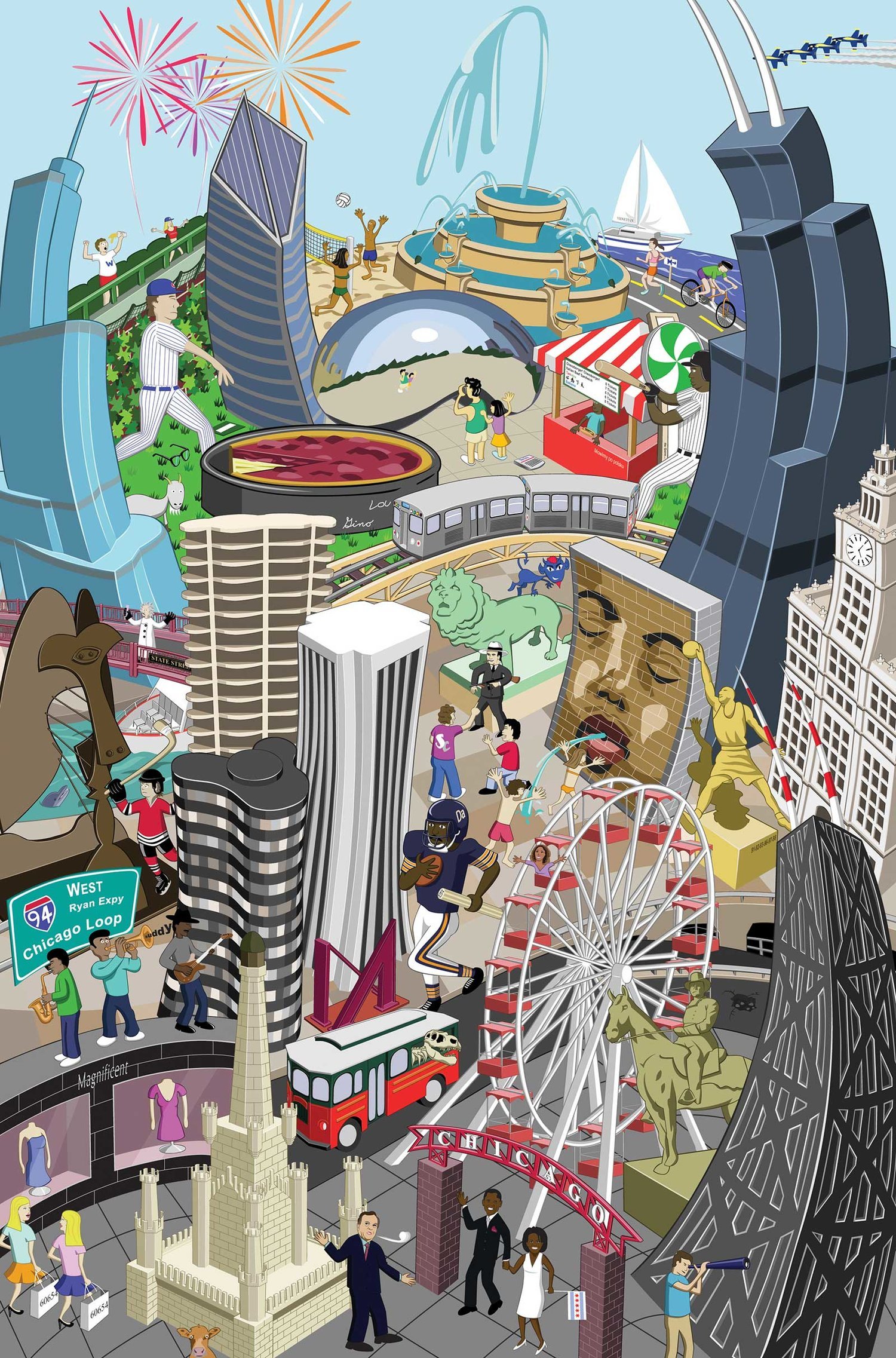
What’s next…I have a quick street vendor factory illustration I want to complete. Then, I plan on working on my most ambitious idea to date. It will be another Chicago piece and the best way to describe it is as a crazy city scene based on the icons and landmarks of Chicago.